Beta testing feedback
Target selected users only
Segmentation Engine
Segments help you target exactly who should see your feedback based on traits, behavior, or hand-picked lists.
User traits & events
Create segments using actual user data and behavior to keep your targeting accurate and relevant. Control who sees your feedback, when, and how often, to collect more relevant responses with less noise.
User traits
plan
Text
last_seen_at
Datetime
feedback_response_count
Numeric
country
Text
Traits update in real time as events arrive via SDK or API.
Segment types
Pick the approach that fits your use case—automatic segments that stay up to date, or manual lists for precise control.
Where segments shine
Use Segments to run smarter campaigns across your product.
Target selected users only
Engage your most active audience
Reach users on iOS, Android, or specific browsers
Upload your own CSV audience lists
Feedback history as a filter
The engine has full visibility into each user's feedback history — how many forms they've seen, when they last responded, and which campaigns they've already been exposed to. Use this to prevent survey fatigue and keep response quality high.
Feedback-aware targeting
feedback_response_count
is less than 2
last_feedback_view
more than 14 days ago
last_feedback_submission
is not set
Result
Show NPS form only to users who haven't responded in 14+ days and haven't yet seen this campaign.
CDP integration · Works today via the Admin API
Let Segment, Mixpanel, RudderStack, or your CDP handle first-party segmentation, then send encatch only the membership: set a user trait or update a manual segment through the Admin API, from a CDP function, a webhook through Zapier or n8n, or a small integration you deploy. encatch adds a second layer of filtering using feedback history, so the right form reaches the right person. One-click native connectors are coming soon.
Segment
Mixpanel
Rudderstack
Salesforce CDP
Amplitude
PostHog
Incoming webhook payload
{
  "event": "segment_entered",
  "segment": "enterprise-q1-churners",
  "userId": "u_2841"
}
No traits, no PII — just segment membership.
Form workflow & orchestration
Segments plug directly into your form setup.
Form setup
Q2 product feedback
Audience segment
Segments, timing, and audience rules ship in the same flow—no separate wiring.
Full capabilities
The segmentation engine is the intelligence layer beneath every encatch feedback experience — controlling who sees what, when, and why.
Filter by any trait — plan, role, country, signup date, custom attributes, and more.
Qualify users when they complete purchases, finish onboarding, or hit any tracked milestone.
Use system traits like response count and last seen to prevent form fatigue.
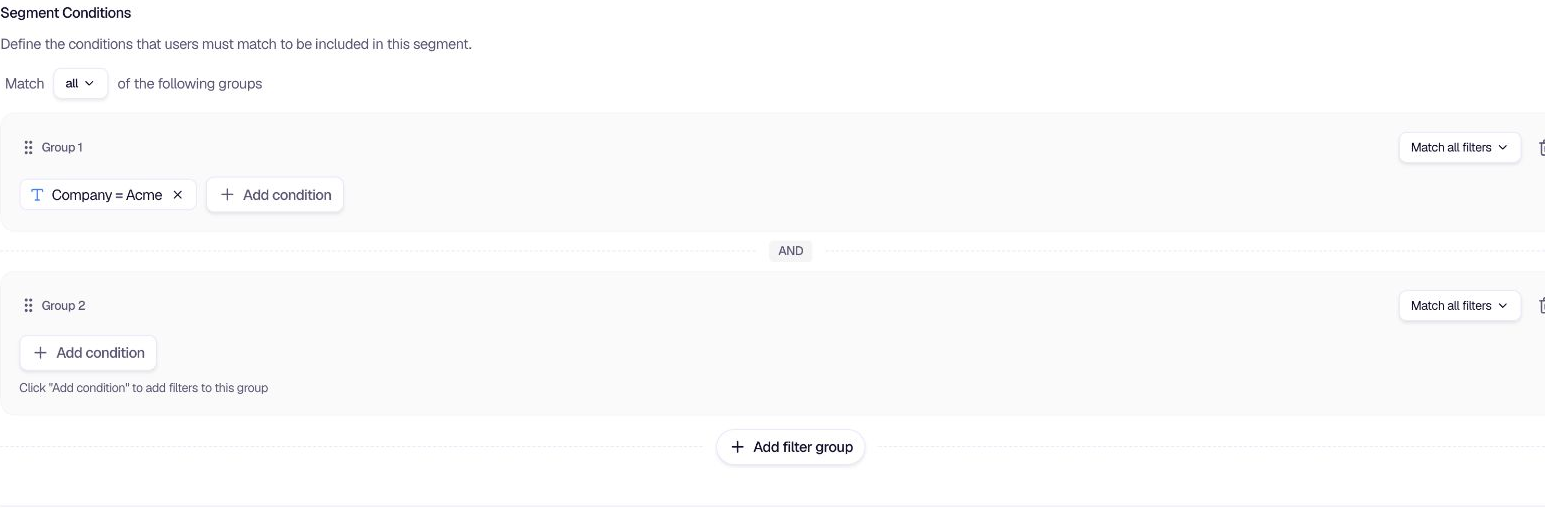
Combine traits, events, and feedback history with AND / OR rules for precise audiences.
Coming soon
Sync cohorts today with the Admin API or a username import. Native segment webhooks from Segment, Mixpanel, RudderStack, and more are coming soon.
Your customer data never leaves its source. encatch only processes segment membership signals.
Layer on device type, country, and user language for contextually precise targeting.
Global and per-form throttling prevents the same user from being surveyed too often.
Target specific segments while explicitly excluding others — full audience control.
Product journey
A little more detail
Common questions about qualifying audiences and targeting the right form to the right user.
A near real-time audience-qualification engine that uses user traits, device context, and feedback history, plus live events on Growth, to decide who sees which form.
Both dynamic, rule-based segments that update automatically, and manual segments, which you can also fill from your backend with the Admin API.
Yes — the moment a user meets segment criteria, the right form appears automatically without manual triggering.
Your next step
Define your audience once. The segmentation engine keeps it live, re-qualifies users in real time, and triggers the right form at exactly the right moment — automatically.