

Advanced Options
API Key Identifier
Restrict which API keys can trigger your feedback form
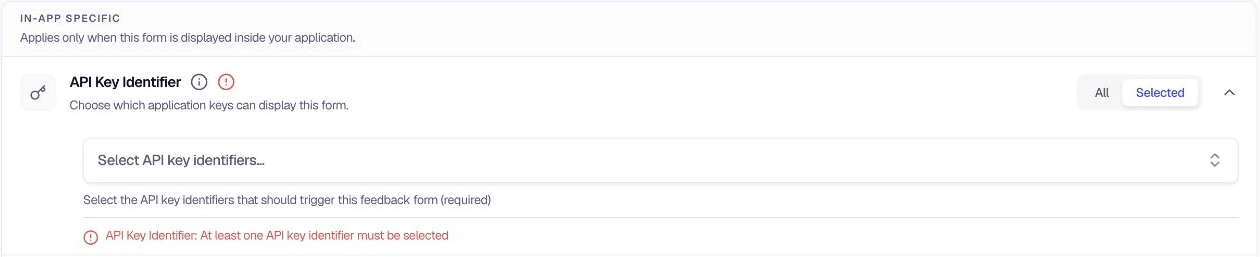
The API Key Identifier option controls which API keys can trigger the feedback form. When multiple environments (e.g. production, staging) or different apps use different keys, the form can be restricted to appear only when a specific key is used. This helps you run different forms in different contexts without creating separate form configurations.
When to use
- You have multiple environments (production, staging, development) and want forms to appear only in specific ones
- Different apps or integrations use different API keys and you want to target specific ones
- You need to ensure a form is only shown when the correct key is used in your SDK integration
Configuration
- Go to Distribution → Advanced Options and locate API Key Identifier.
- Choose All to allow every API key to trigger the form, or Selected to restrict it.
- If Selected, use the input field to add the API key identifiers that should trigger this form (e.g.
web-1 Production). You can add multiple keys. - At least one API key identifier is required when using Selected mode.
Was this page helpful?